


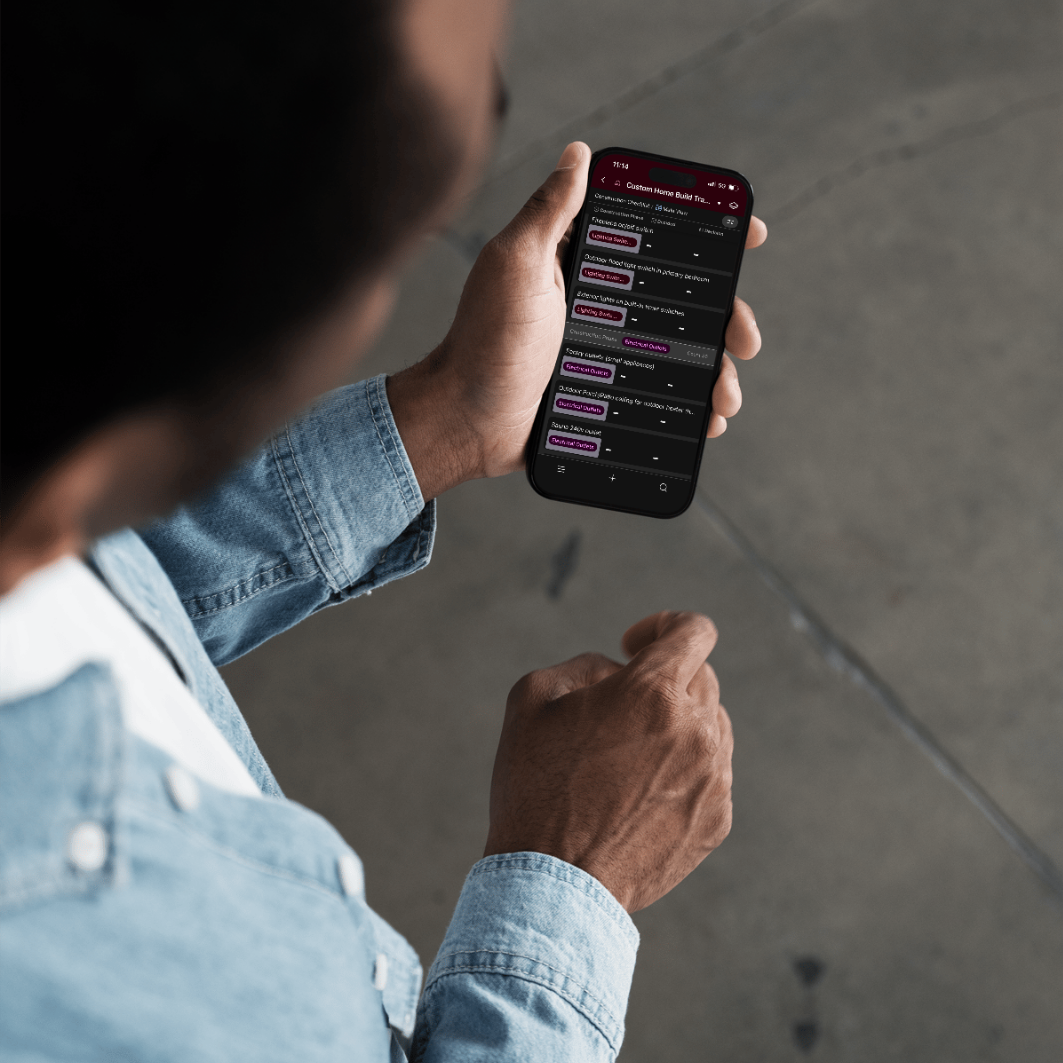
What Is It?

simplify your home build
Managing a custom home build is overwhelming
This tracker keeps every decision, cost, and construction checkpoint in one place.
I built this system while managing our own custom home build—after learning the hard way during our first build how easy it is for things to get missed, forgotten, or overspent.
After sharing pieces of it online, I was asked repeatedly how I stay so organized—so I made it available to others who are building too.
Price: $37
Instant access after checkout
Who It's Built For
This tracker is for you if:
You’re managing your own custom or semi-custom home build
You don’t have a full-time project manager
You want clarity instead of chaos
You’re tired of keeping notes scattered across texts, emails, and notebooks

How Delivery Works
- Purchase the Custom Home Build Tracker
- You’ll receive an email with a private Airtable link
- Click “Duplicate Base” to add it to your own free Airtable account
- Customize it to fit your build
You’ll have full control to edit, add, or remove anything you don’t need.
Check out the video below on how to do it!
A Note From Kayla
Frequently Asked Questions
Consider these commonly asked questions:
Yes. You’ll need a free Airtable account to copy and use the tracker. The free plan is more than sufficient for everything included.
Yes. It works on desktop, tablet, and mobile, so you can check or update your tracker wherever you are—on-site, in meetings, or on the go.
After checkout, you’ll receive an email with a private Airtable link. From there, you’ll click “Copy Base” to add the tracker to your own Airtable account.
Absolutely! Once it’s copied into your Airtable account, you can add notes, delete fields you don’t need, rename sections, and fully customize it for your build.
Yes. The tracker is designed to be intuitive and easy to use, even if you’ve never used Airtable before. You don’t need any technical experience to get started.
No. This tracker is helpful whether it’s your first build or your second (or third). It’s especially useful if you’re managing a custom or semi-custom build without a full-time project manager.
While it was built specifically for new custom home builds, many people also use it for large renovations or additions with multiple phases and decisions.
You can share access within Airtable if you’d like to collaborate, but this purchase is intended for personal use only and not for redistribution or resale.
Yes. This is a one-time purchase that gives you ongoing access to the tracker you copy into your own Airtable account.